New article
Recently updated
Adding steps to a modern workflow in Visual mode

Who is this article for?
Users responsible for workflow management.
Modern Workflow Definition Edit permissions are required.
This article walks you through adding a workflow step in the Visual mode for a modern workflow definition.
1. Adding a workflow step
To add a workflow step in Visual mode:
- Open a workflow definition template.
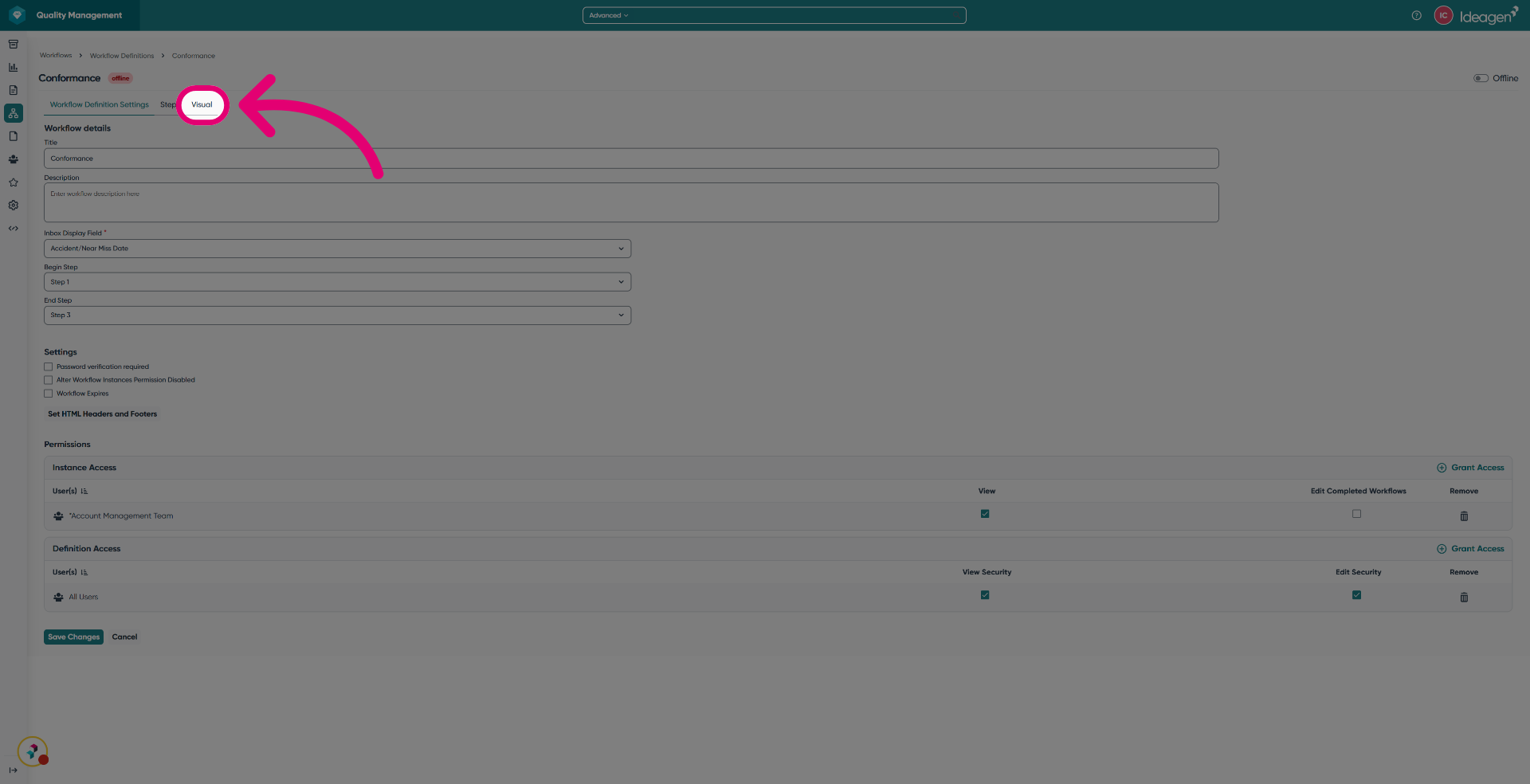
- Select the Visual tab.
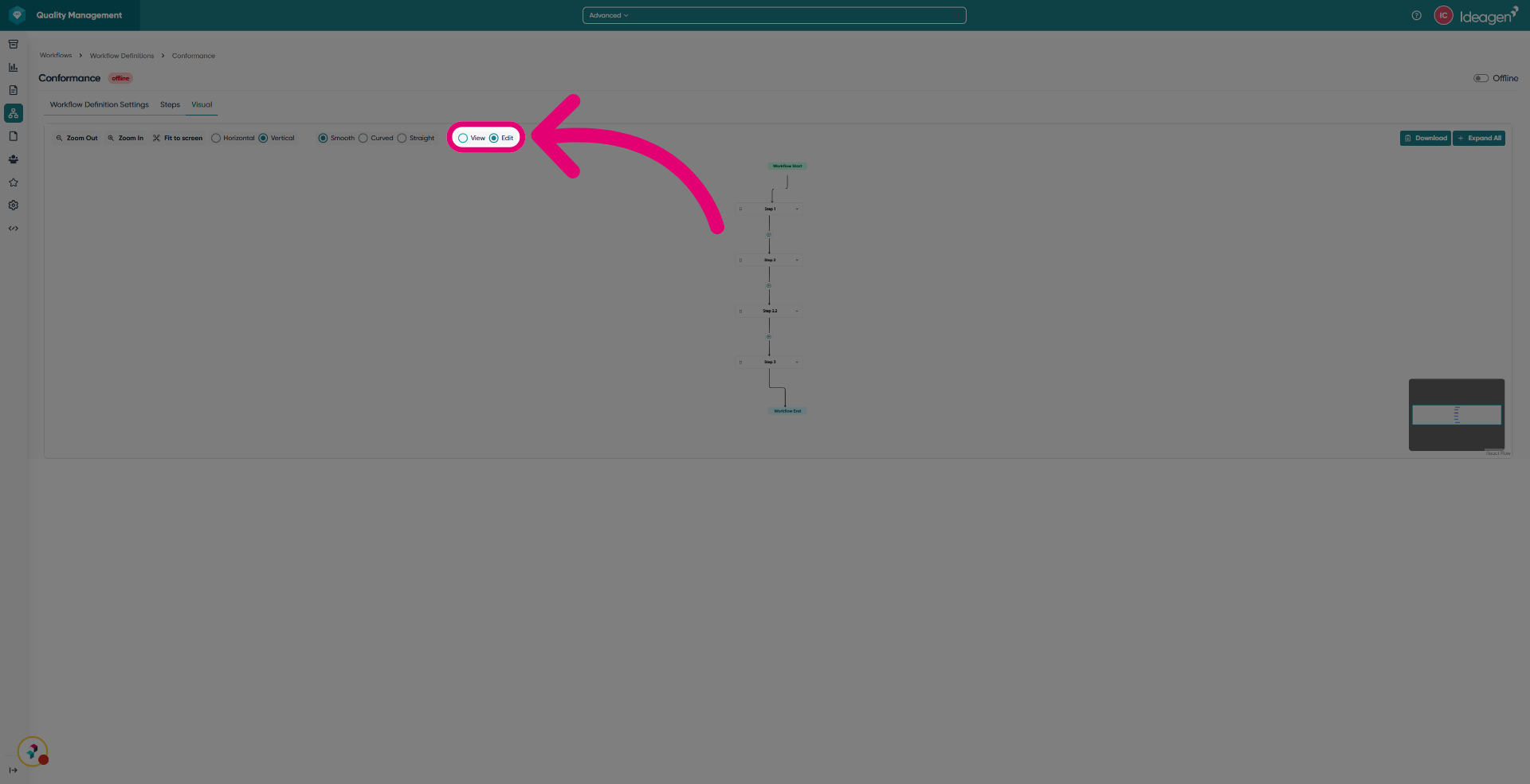
- Click Edit.
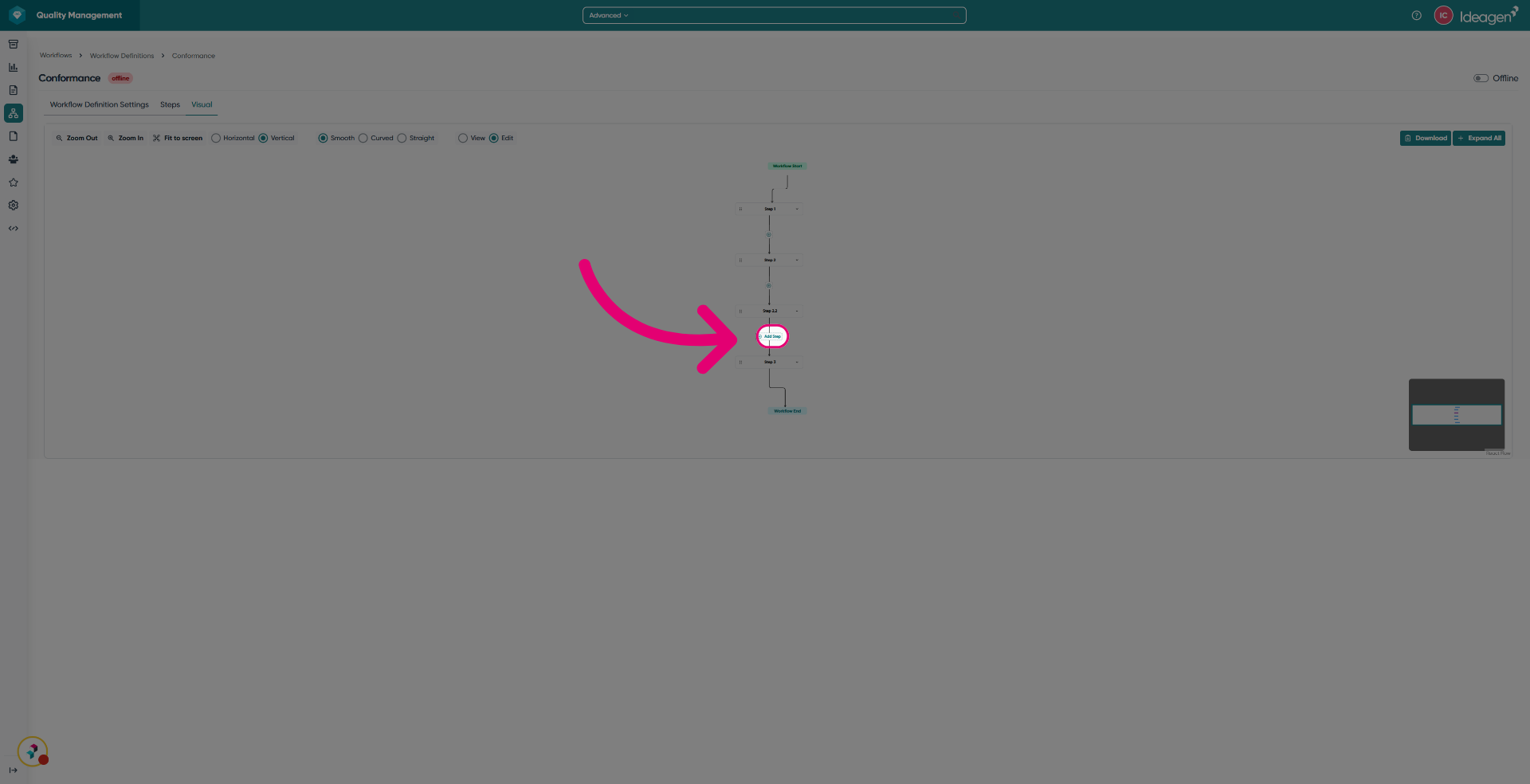
- Click Add Step.
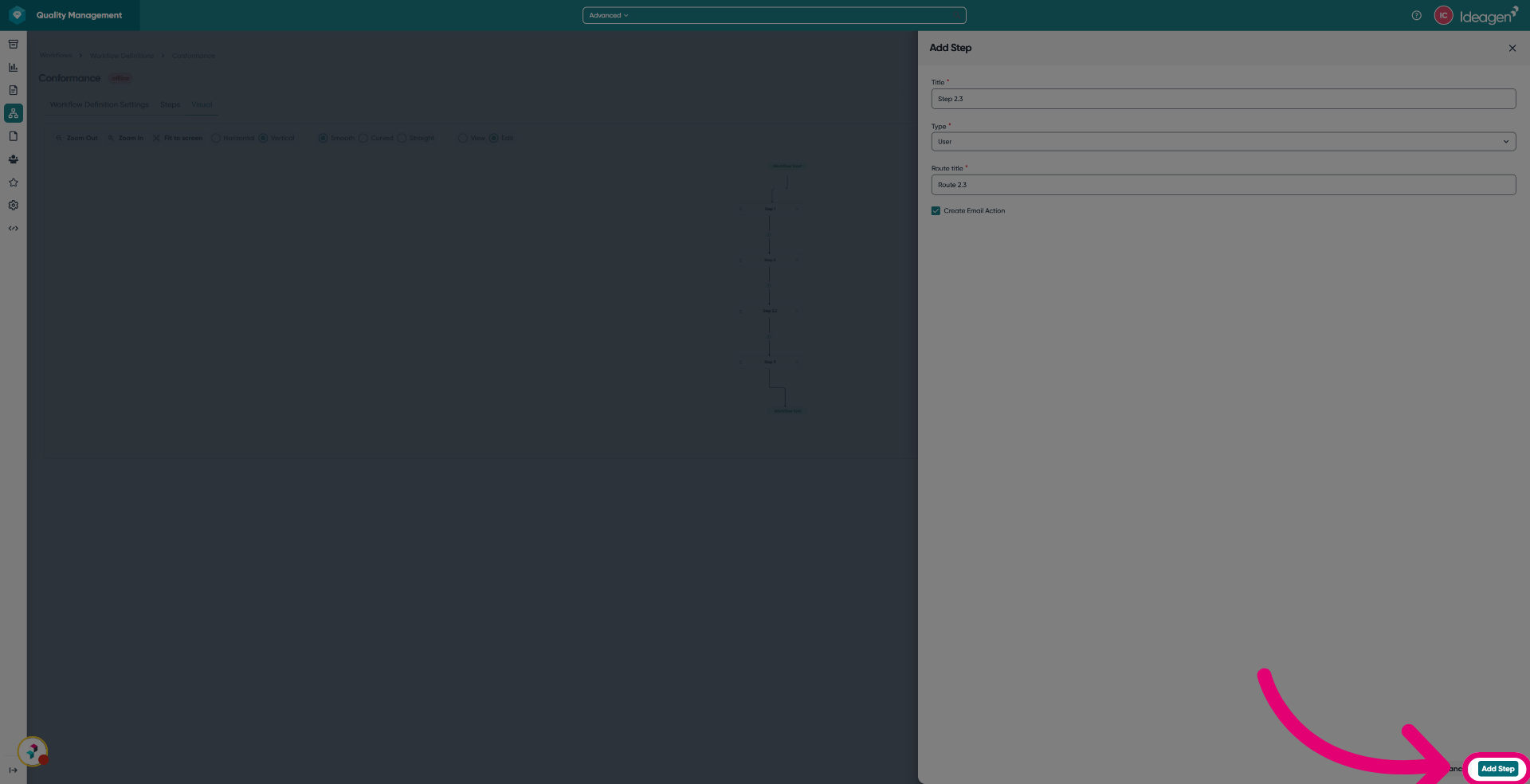
A slide-in model will be displayed.
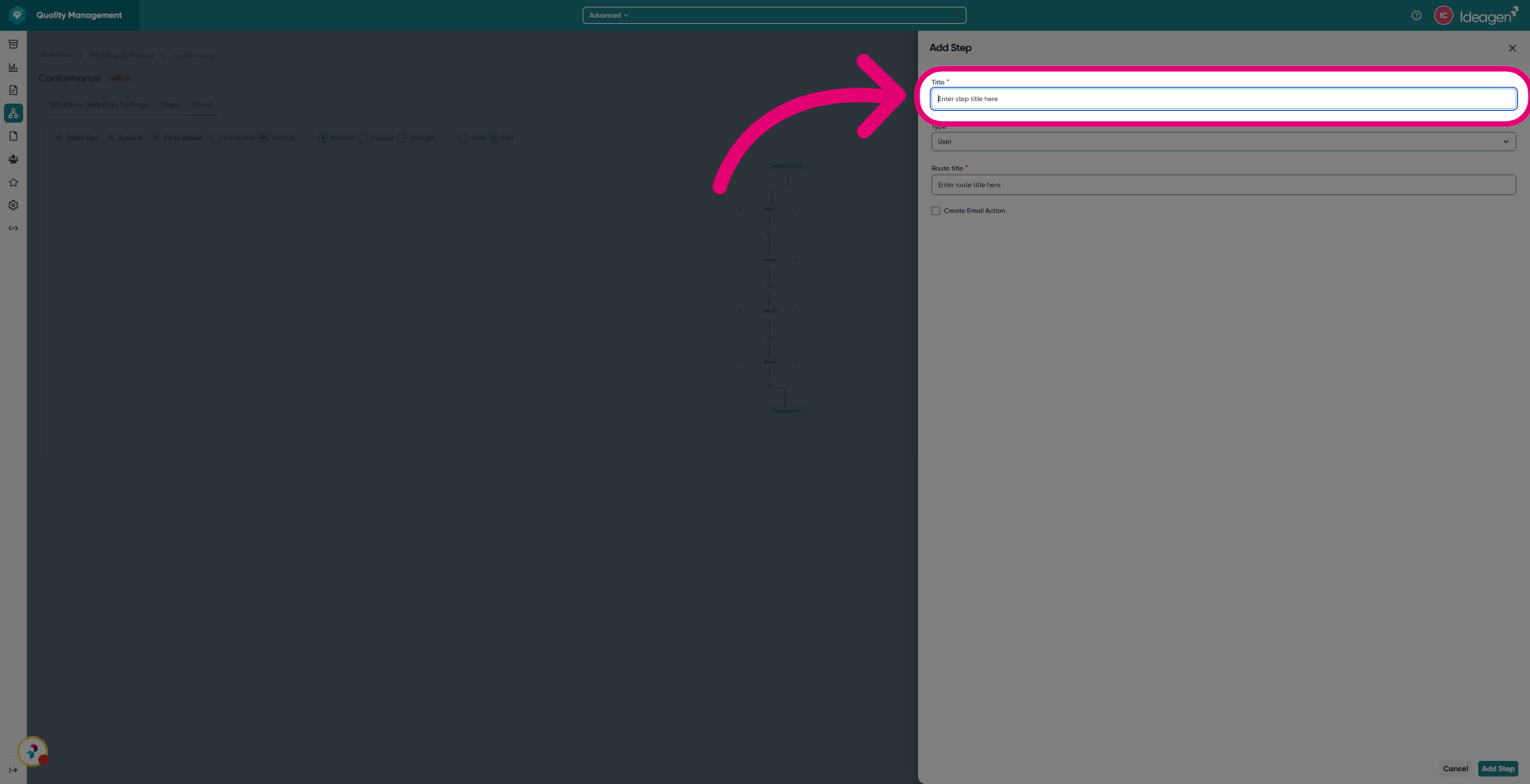
- Enter a Title of the step.
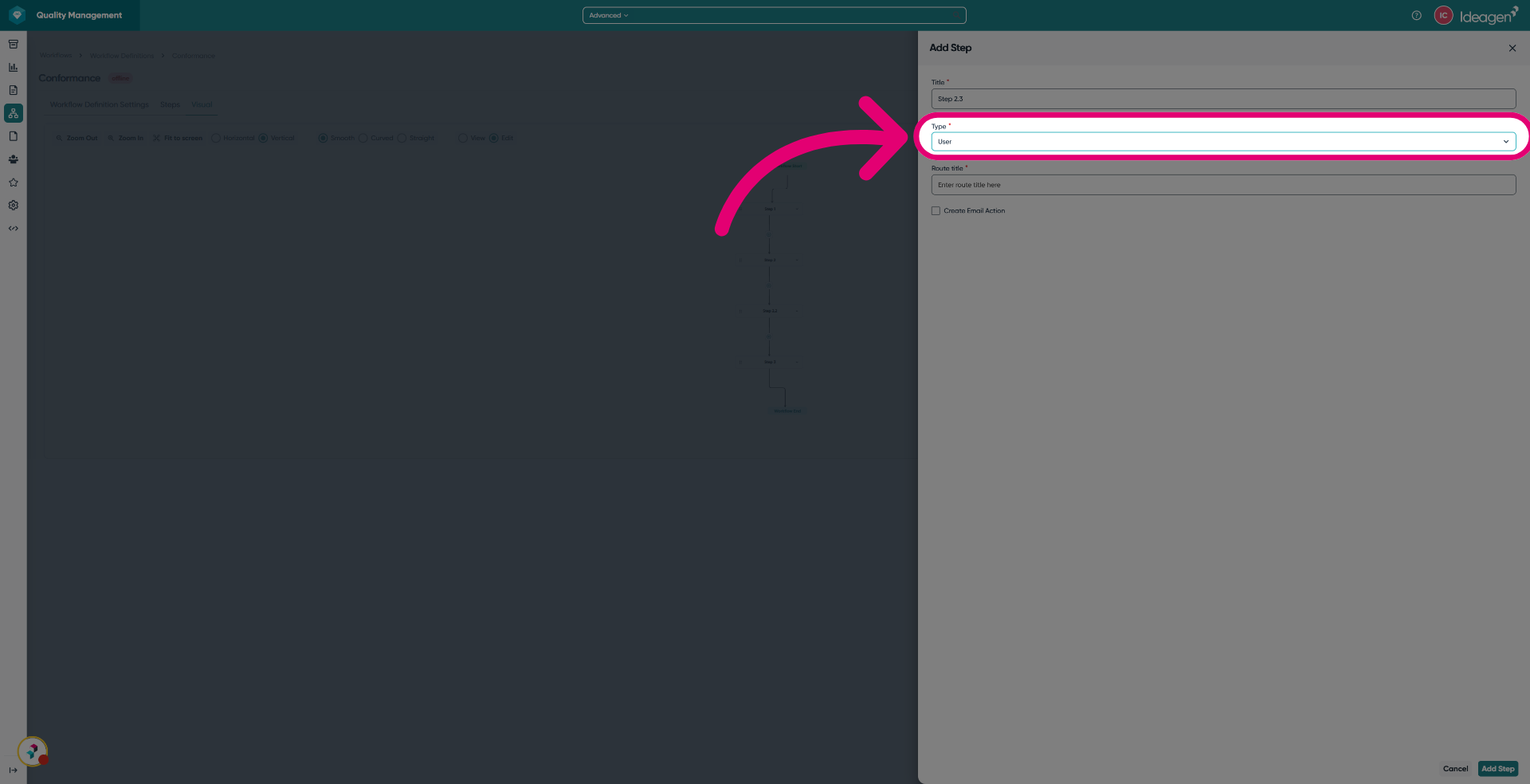
- Select a Type from the dropdown.
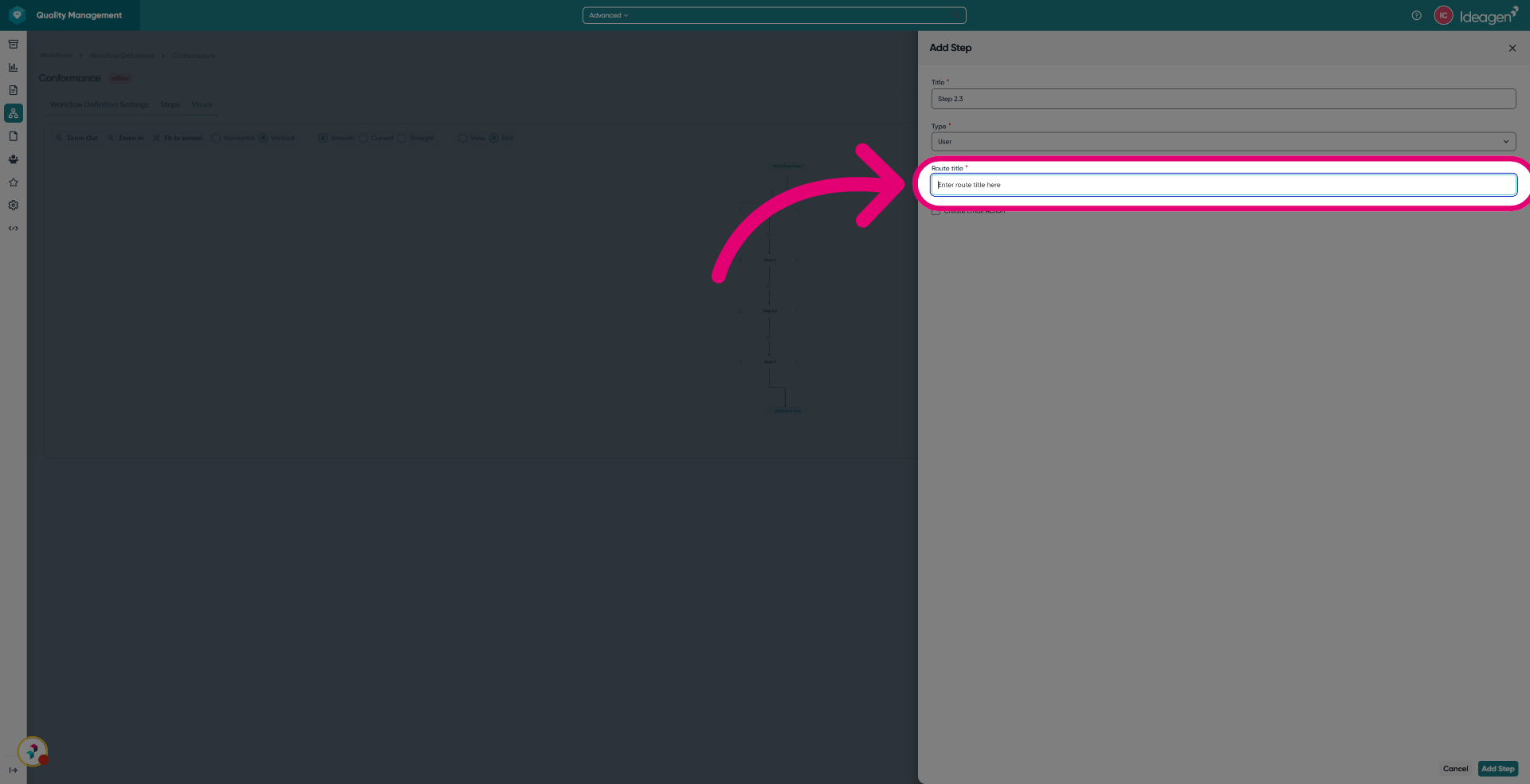
- Enter a Route title to define the routing name for this workflow step.
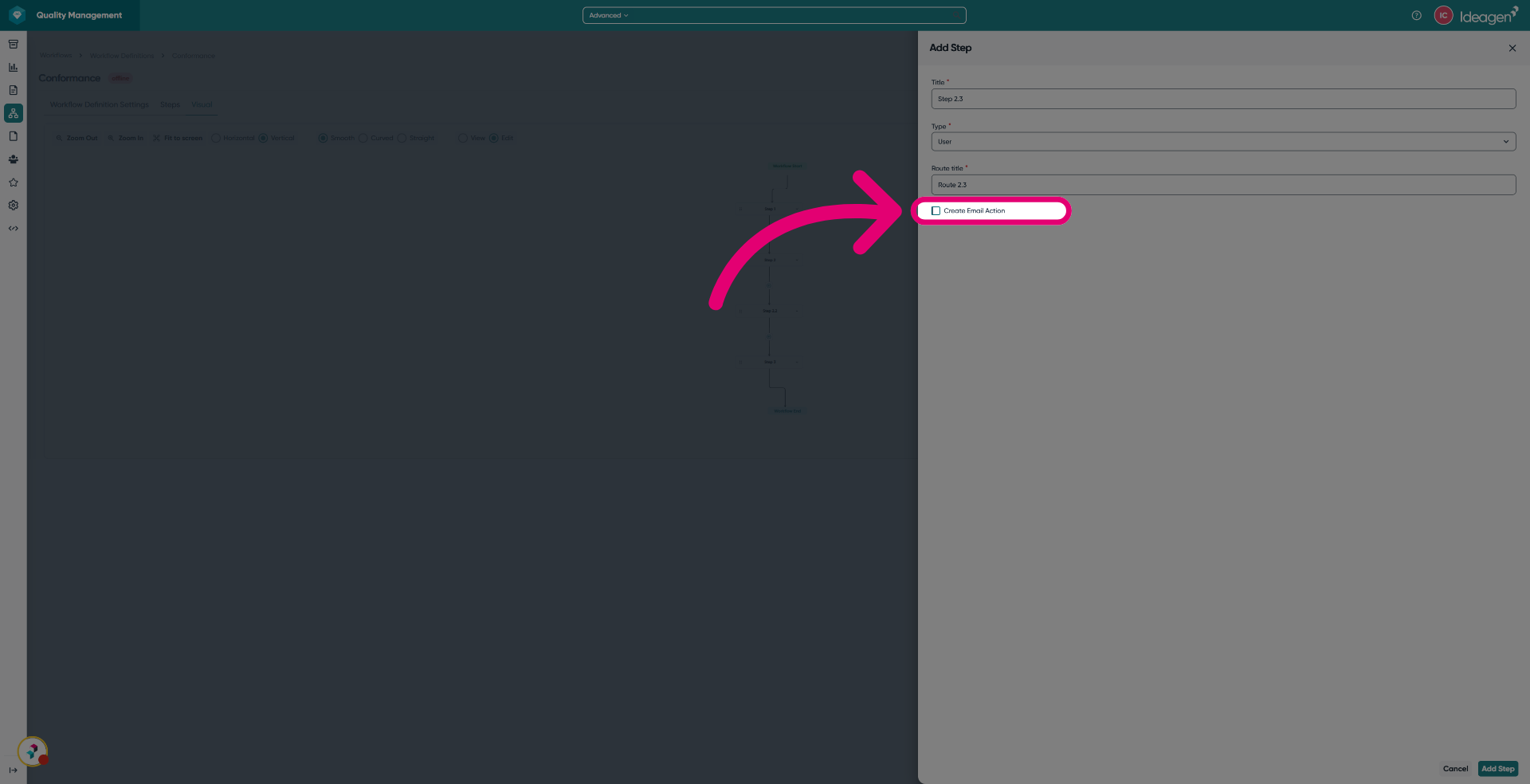
- Enable Email action if one required when this workflow step is triggered.
- Click Add Step.
- Select the Steps tab.
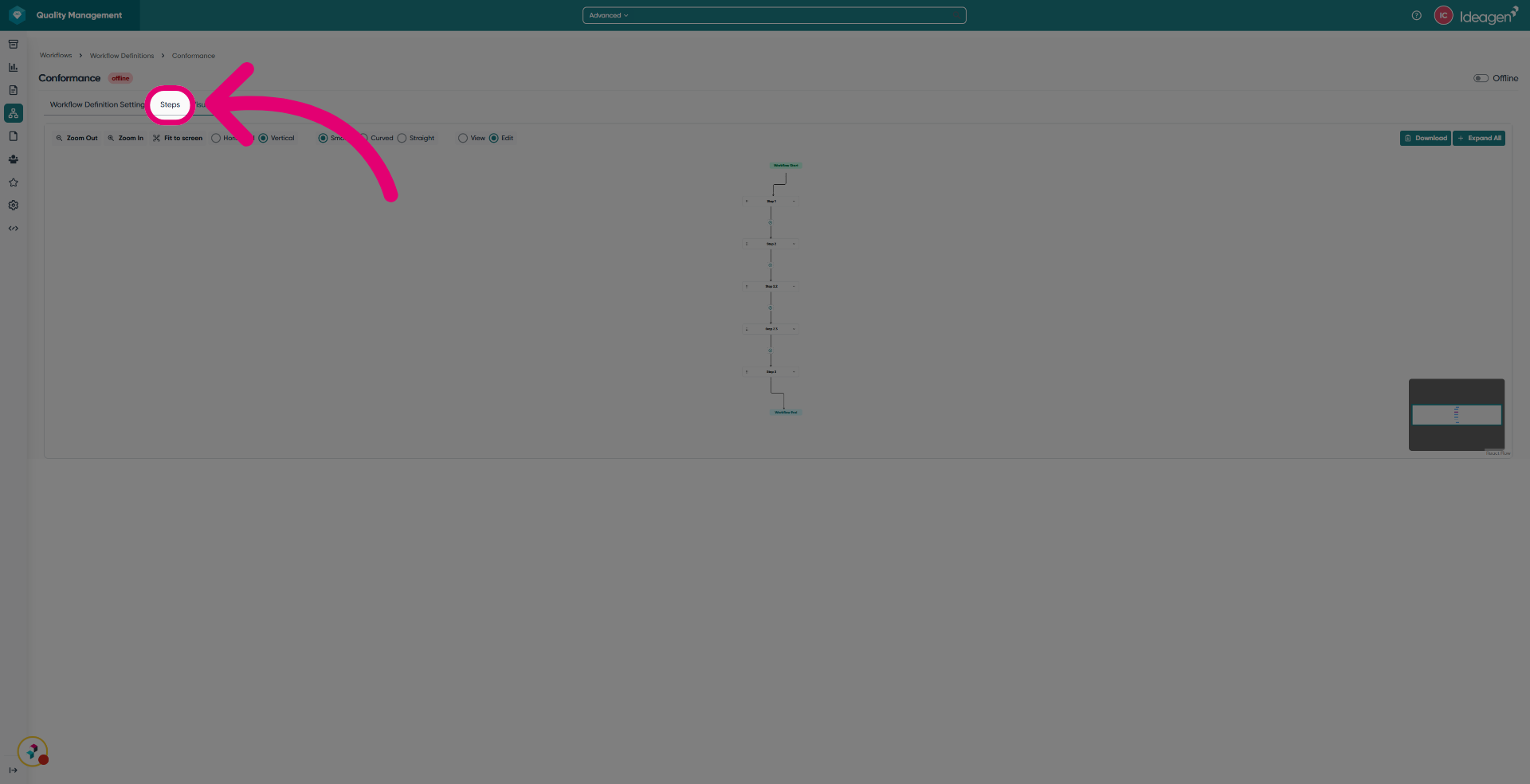
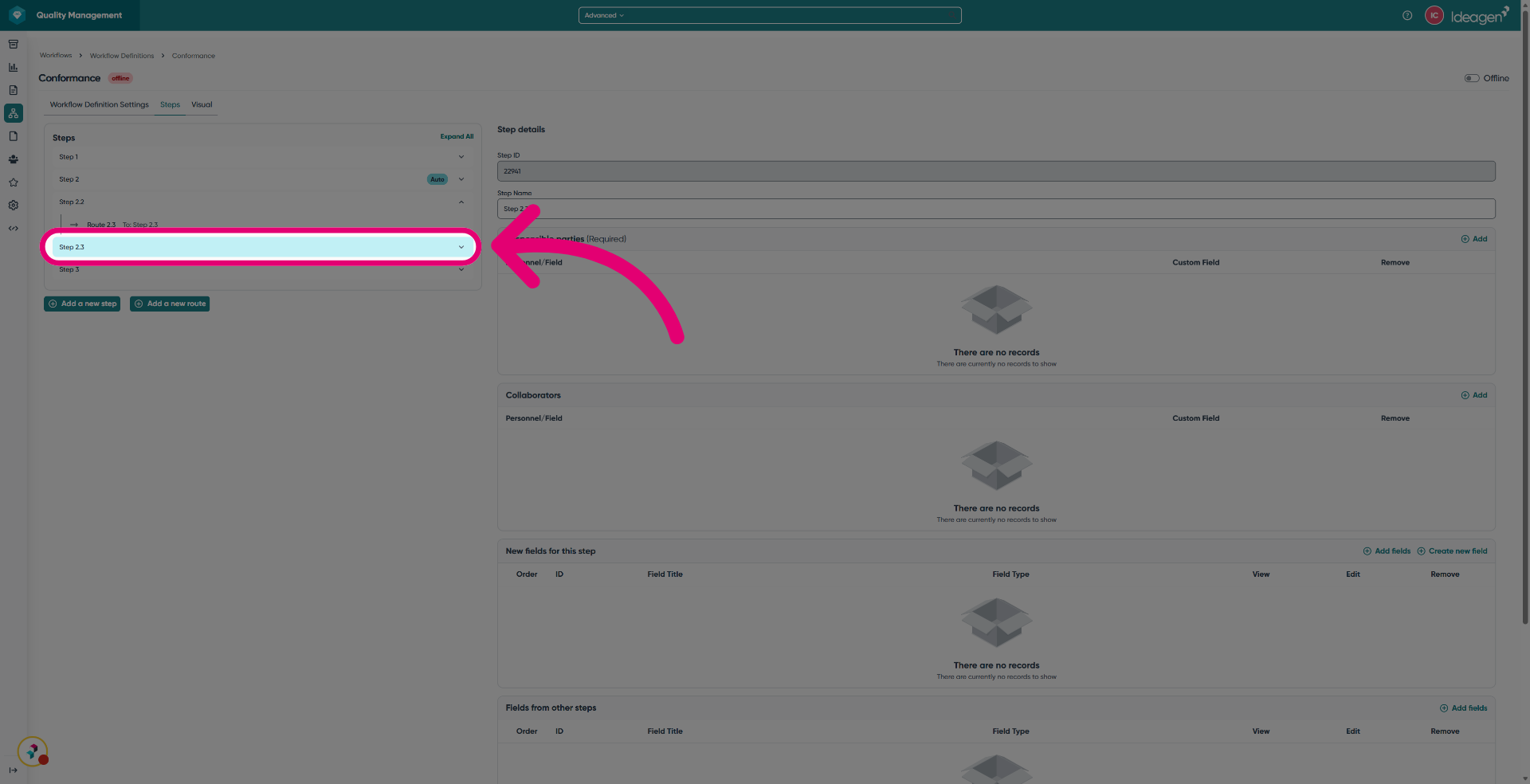
- Click the created step to continue configuring details and routing as needed.